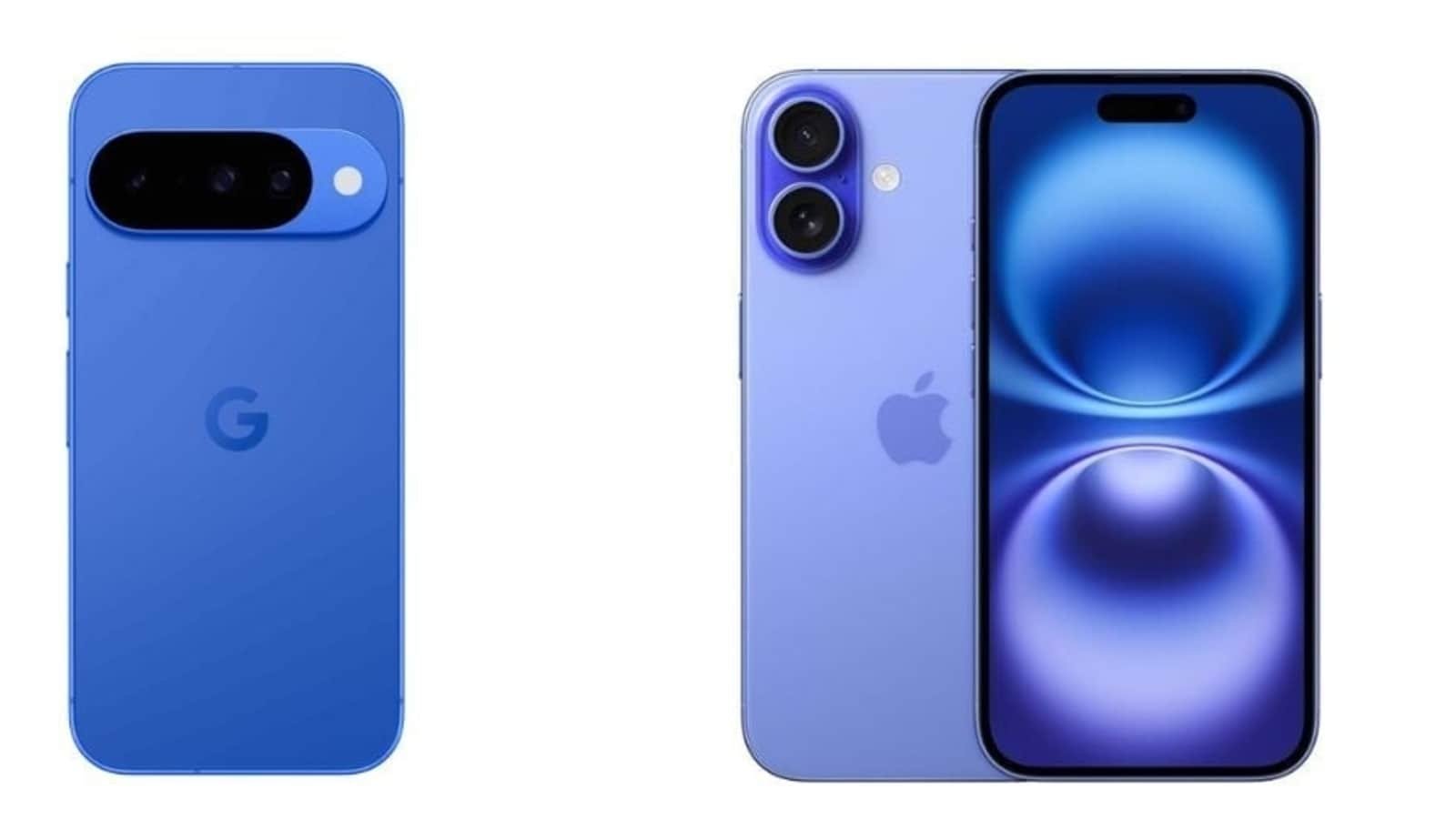
The decision to move from one mobile operating system to another can be daunting, especially for those who have been loyal iPhone users for a long time. However, with the release of the Pixel 10 series, Google has taken significant steps to streamline the transition process. Not only is it faster, but it is also designed to be as smooth as possible for users assimilating to the new ecosystem.
If you’re considering making the switch to the Google Pixel 10, rest assured that the setup process is relatively straightforward. Google has provided a seamless way to transfer your data from an iPhone to the new Pixel device. This means that you can easily bring over your contacts, photos, messages, and other important information without any hassle.
To begin the setup process, first, make sure that your iPhone is running on the latest version of iOS. Then, download the ‘Switch to Android’ app from the App Store on your iPhone. Follow the on-screen instructions to transfer your data to the new Pixel 10. This app will guide you through the process and ensure that all your important information is safely migrated to the new device.
One crucial aspect to consider when switching from iPhone to Google Pixel 10 is ensuring that your apps are compatible with the new operating system. While most popular apps are available on both iOS and Android, there may be some differences in functionality or availability. Make sure to check the Google Play Store for any apps that you rely on regularly and ensure that they are compatible with the Pixel 10.
Once your data has been successfully transferred and your apps are installed on the Pixel 10, you can start customizing your new device to your liking. Google offers a range of customization options to make your Pixel 10 experience unique. From changing wallpapers to setting up widgets and shortcuts, you can personalize your device to suit your preferences and style.
In addition to data transfer and customization, it’s essential to familiarize yourself with the features and capabilities of the Google Pixel 10. Explore the camera settings, security options, and other unique features that set the Pixel apart from other smartphones. Taking the time to understand how your new device works will help you make the most of its functionalities and enhance your overall user experience.
In conclusion, if you’re thinking about leaving your iPhone for the Google Pixel 10, know that the transition process is designed to be smooth and hassle-free. By following the steps outlined by Google and taking the time to customize and familiarize yourself with your new device, you can seamlessly switch to the Pixel 10 and enjoy all the benefits it has to offer.





Deixe um comentário